Midjourney V8.1 brought faster generation and a more practical way to work with HD images. V8.2 focused on aesthetics, image quality and better adaptation to the user's preferences. A new image editing model followed later. These are three separate developments worth understanding before changing your old prompts.[1], [2], [3]
In practice, you can test ideas faster, guide the style more deliberately and develop a chosen image through editing. Switching models still leaves you with decisions about composition, lighting and the character of the work.
Information and sources checked on October 2, 2026. The sample prompts are starting points for your own experiments. The gallery includes work made with V8.1 and V8.2, with the original settings.
V8, V8.1 and V8.2: the main differences
| Version | Release date | Main changes |
|---|---|---|
| V8.0 Alpha | March 17, 2026 | Closer prompt following, faster generation and native HD |
| V8.1 | April 14, 2026 | Faster, cheaper generation than early V8, with aesthetics closer to V7 |
| V8.2 | July 24, 2026 | Aesthetics, image quality and Personalization |
V8.2 is currently the default version. Early V8.0 has been retired, but images made with it remain in your gallery.[4], [5]
V8.1: getting from an idea to a useful image faster
At the V8.1 launch, Midjourney reported that HD generation was three times faster and cost one third as much as before. Standard generation also became faster and cheaper. Image prompts and controls for their influence returned, while style references and moodboards became more stable.[1]
The most useful consequence is a shorter working cycle. Generate a frame, assess it, change one element and try again.
Use that speed to make comparisons. If you change the description, aspect ratio, stylization and Personalization profile at once, it becomes difficult to tell what helped. Change one setting at a time so you can judge its effect.
V8.2: a greater focus on aesthetics and Personalization
At the V8.2 launch, Midjourney promised bolder, more distinctive images and fewer random low-quality results. The update also aimed to understand aesthetic preferences better, particularly in profiles with many ratings, and introduced a larger pool of images for creating new profiles.[2]
These are claims about the model, rather than a guarantee for every generated image. For your own work, test a range of subjects: a portrait, an interior, an illustration and a scene with several elements.
Assess prompt adherence and visual appeal separately. An image can look excellent while missing an essential part of the brief.
How should you write prompts for V8.2?
A clear description of the image remains a good starting point. Decide on the subject, then add the features that matter: materials, lighting, perspective and relationships between elements.
Better understanding of detail does not make long prompts compulsory. A longer description is useful when it carries specific information. More synonyms for “beautiful” tell the model very little.
Try this example:
a red ceramic teapot on a pale wooden table, handle on the right, soft window light from the left, plain grey background --ar 4:3 --v 8.2 --raw --sd
It gives you several things to assess: the material, colour, handle position and lighting direction. It is easier to revise than a generic phrase such as “stunning product photography”.
The --raw parameter reduces the model's default aesthetic interpretation and gives the description more influence. Compare the same subject with and without Raw, especially for product photography or a tightly specified brief.[6]
HD: a larger image at the generation stage
In V8.2, a square SD image starts at 1024 × 1024 pixels, while HD produces 2048 × 2048 pixels. Other aspect ratios have different dimensions. “2K” therefore does not mean that every file is exactly 2048 pixels along its longest edge.[7]
Use --hd to enable HD. You can also enlarge an SD result with the available upscalers.
These are different workflows: HD generates a larger image from the outset, while upscaling enlarges a result you have already selected. SD is a convenient starting point when exploring composition. Once the direction is settled, move to a larger file.
Personalization: check the profile before rewriting the prompt
The V7 Global Profile also works with V8.1 and V8.2. You can create additional V8 profiles, but V8 profiles do not work with V7. Enable Personalization in the interface or with --p.[8]
If the result is too ornate, too dark or keeps drifting towards the same aesthetic, check the active profile. Changing the text alone may not be enough.
Generate three sets: without Personalization, with your old profile and with a profile built for the current project. This makes it easier to see which features come from the prompt and which reflect your saved preferences.
The new Edit Model: changing an image with instructions
On August 27, 2026, Midjourney opened its new Edit Model for testing. This was a later update, rather than a feature introduced at the V8.2 launch in July.[3]
The model works with V8.1 and V8.2. It supports written instructions for editing an existing image, new compositions using up to four reference images, changes to selected areas and canvas expansion. It also takes over functions previously provided by Omni Reference and Character Reference.[9]
The prompting approach changes. When generating an image, you describe the scene. When editing, you can give an instruction such as “change the jacket to red” or “show this character from behind”.
On September 24, Midjourney also announced improvements to editing selected areas and to seamless patterns generated with --tile. Keep these features separate: the current documentation states that the Edit Model itself does not support --tile.[10], [9]
How to compare V8.1 and V8.2 using your own work
- Choose several prompts from projects you regularly return to.
- Keep the aspect ratio, stylization and style references identical.
- Turn Personalization off for the first comparison.
- Generate results with
--v 8.1and--v 8.2. - Compare prompt adherence, composition, detail and suitability for the wider series.
- Test Personalization and HD afterwards.
A seed can help with these experiments, but it does not save a style or a character's identity. Using the same seed across different model versions does not guarantee an identical composition.[11]
Image examples from Midjourney V8.1 and V8.2
Below are three works by the author from each version. The versions and prompts were read from the files' metadata. Different descriptions and settings were used, so this gallery offers examples rather than showing which model performed the same task better.
Midjourney V8.1
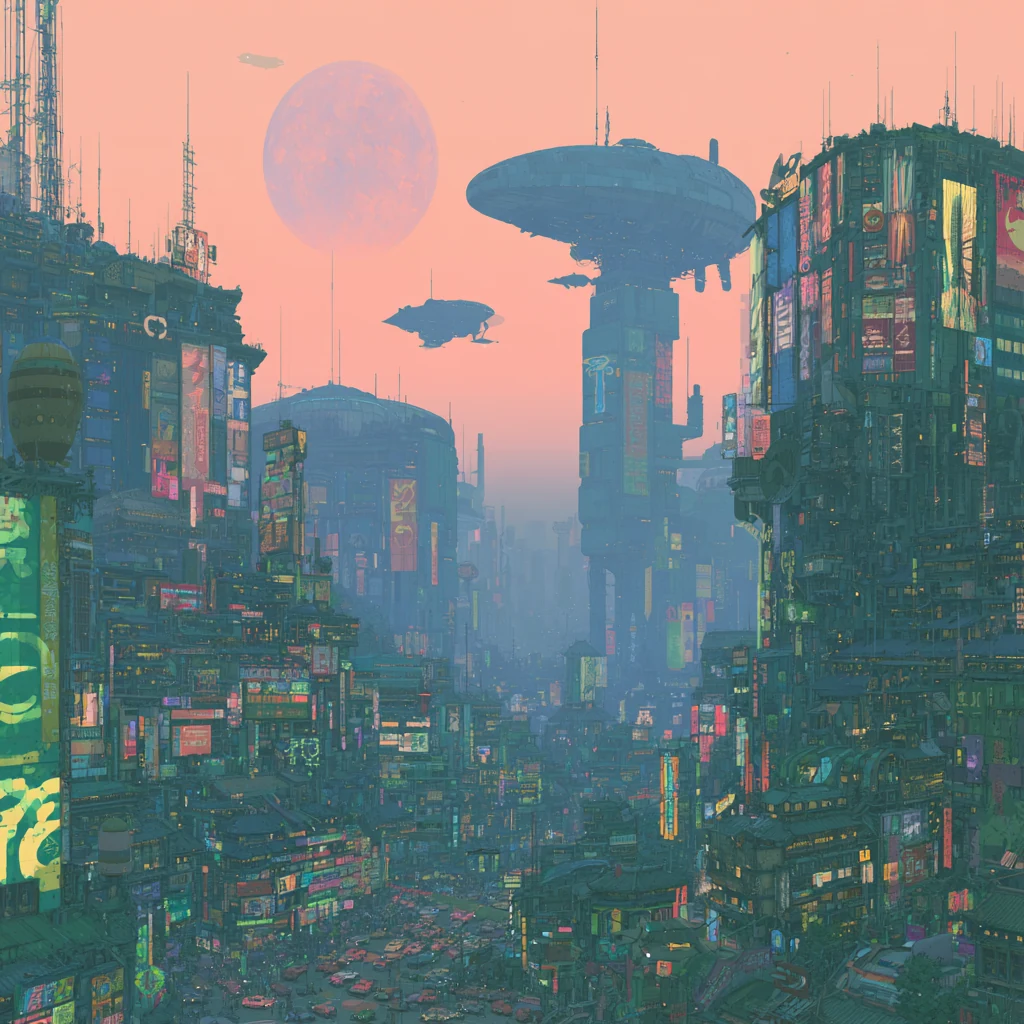
Original prompt and settings
highly detailed landscape of a japanese city, full of neons, futursitic cars and flying machines --chaos 10 --profile b18qb1t --stylize 300 --weird 19 --v 8.1
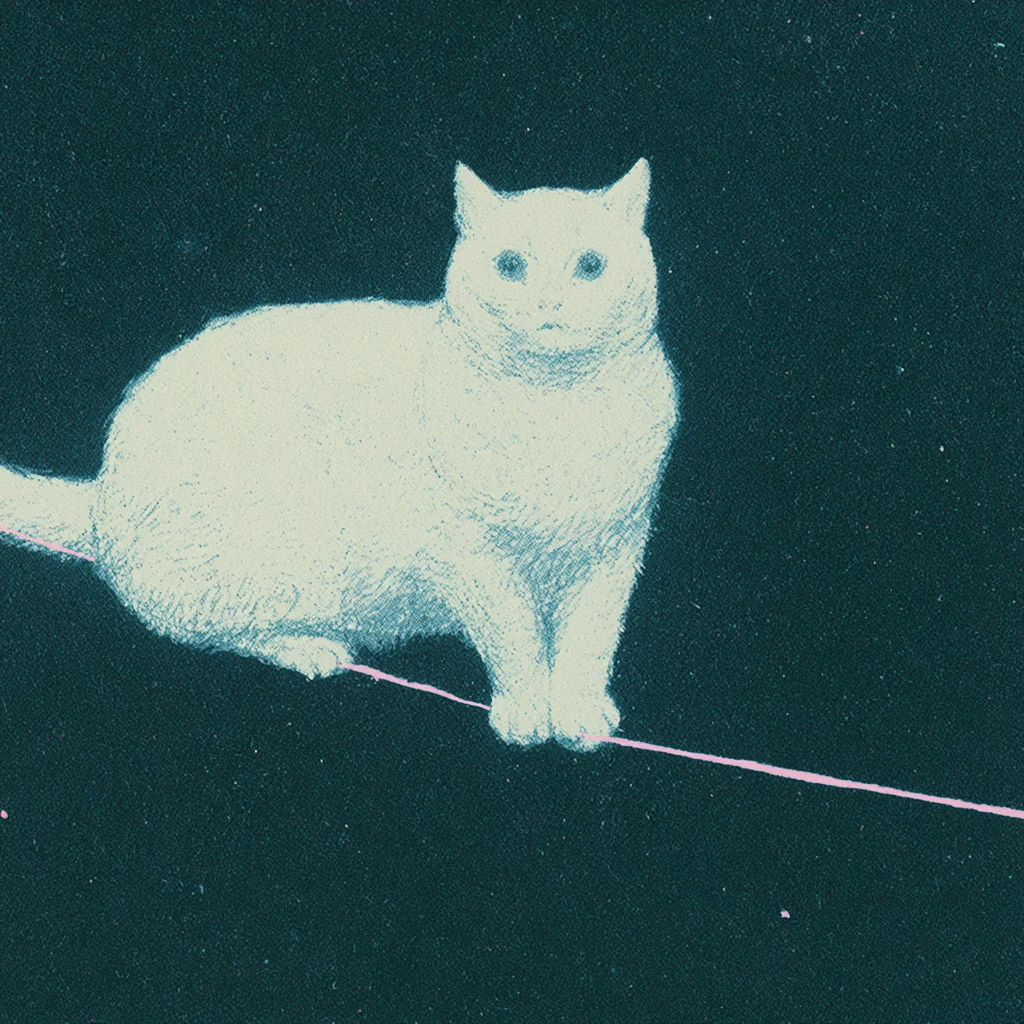
Original prompt and settings
white cat balancing on a single thread in space, only the thread is pink --chaos 10 --profile b18qb1t --stylize 300 --weird 19 --v 8.1
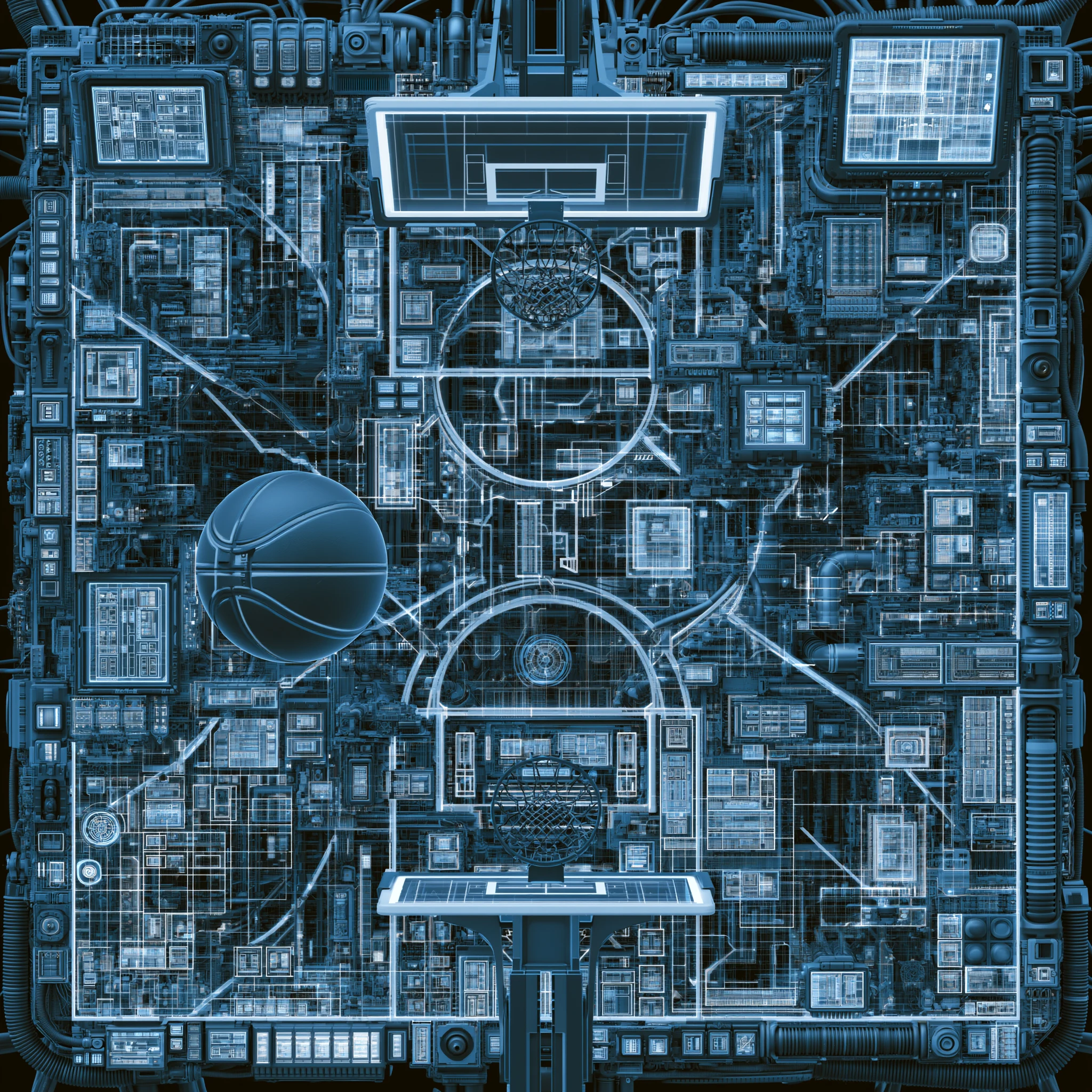
Original prompt and settings
basket pitch - hi tech - blue --chaos 15 --hd --v 8.1
Midjourney V8.2
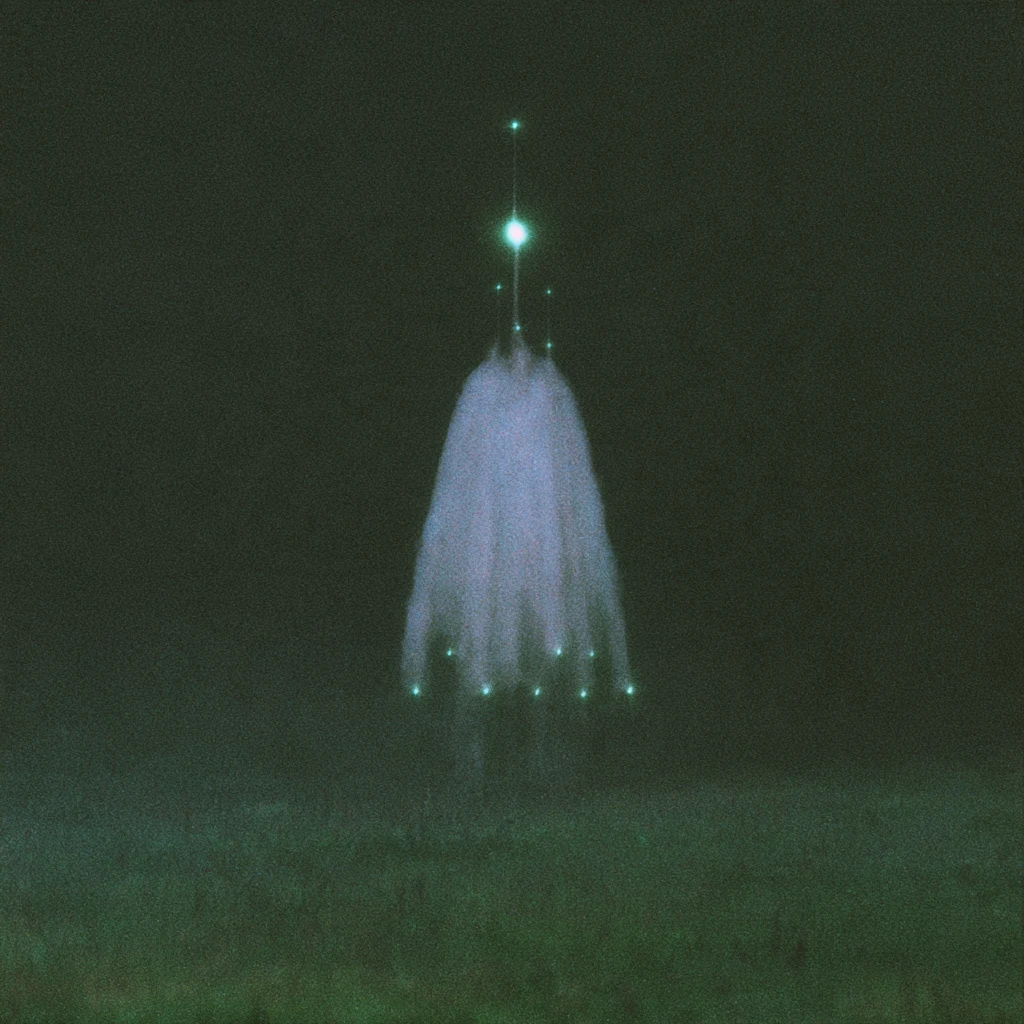
Original prompt and settings
never seen before --chaos 5 --profile za74lz8 --stylize 750 --v 8.2
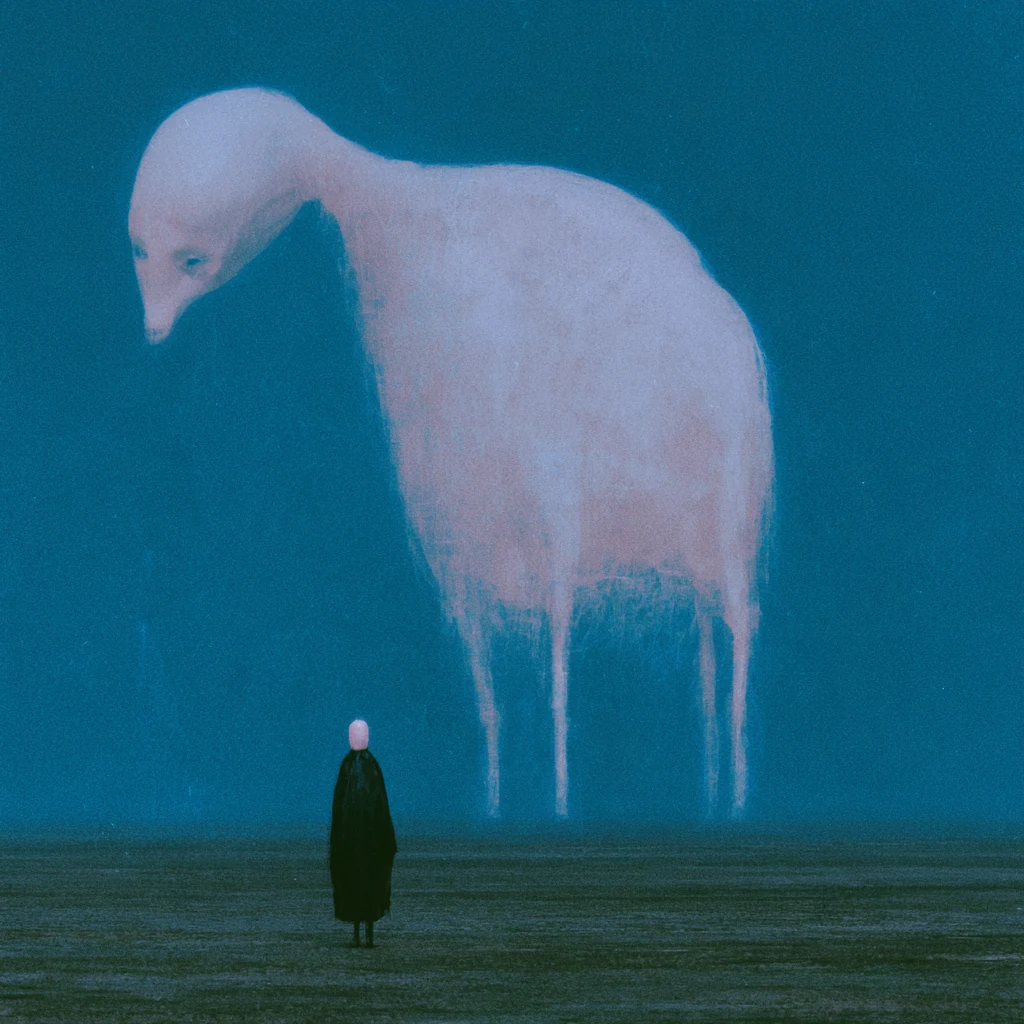
Original prompt and settings
never seen before --chaos 5 --profile za74lz8 --stylize 250 --v 8.2
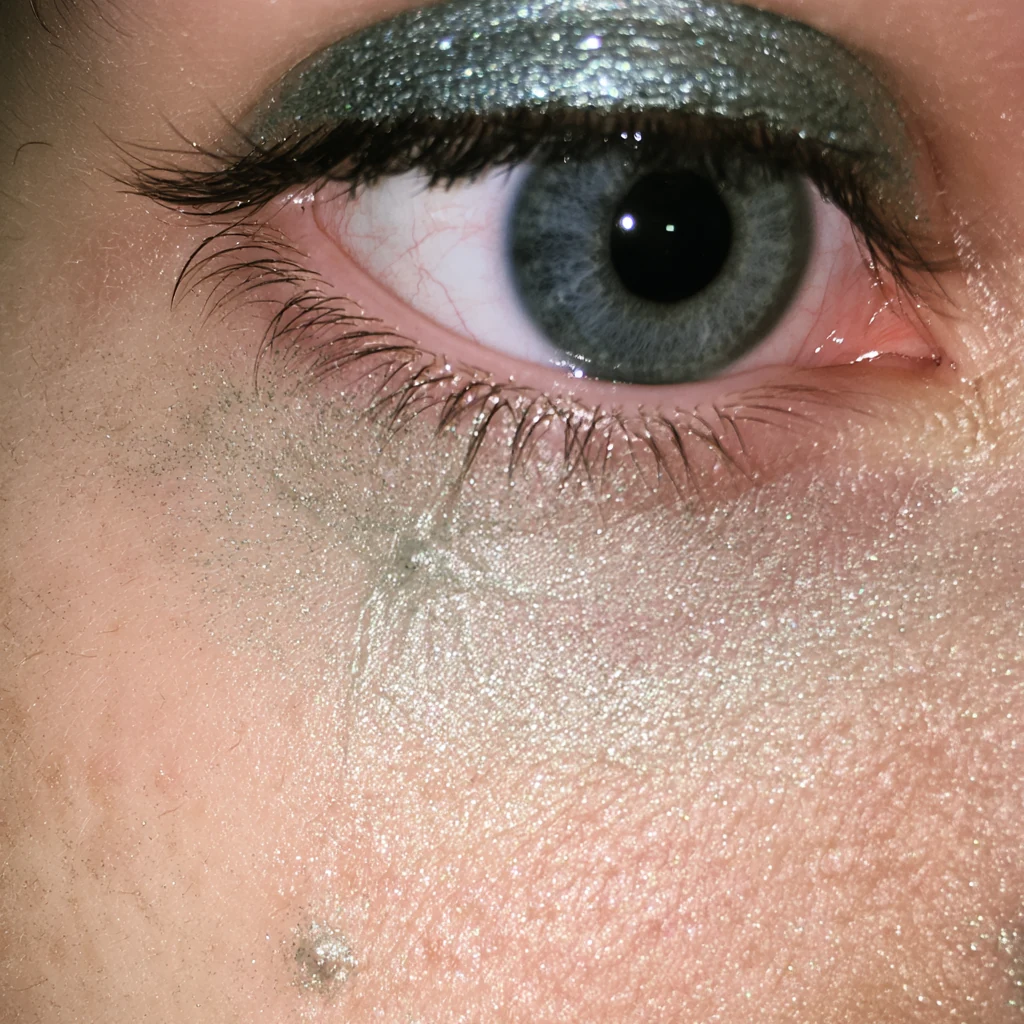
Original prompt and settings
never seen before --chaos 30 --raw --profile wfrjwj2 --stylize 200 --weird 35 --v 8.2
V8.1 example 3 is 2048 × 2048 pixels and uses --hd; the other files are 1024 × 1024 pixels. Resolution is another difference between these images.
Comparisons using the same prompts
To see both versions working from the same description, take a look at Nick Smith's comparison at Run The Prompts. It includes three pairs with prompts: a tiger's eye, a comic illustration and a scene of apartment windows. This is the author's own test from July 2026, and the assessments are subjective.
For a wider selection, see Thaeyne: The Ultimate Midjourney v8.2 vs v8.1 Comparison. According to the video's description, the creator compared 100 prompts using the same seeds and baseline settings. It was published on August 3, 2026.
These materials cover image generation around the V8.2 release. Consult the current documentation for the editor's capabilities.
Frequently asked questions
How do I enable Midjourney V8.2?
Add --v 8.2 to the end of the prompt or select the version in settings. V8.2 is currently the default model.[4]
Do I need to rewrite my old prompts?
Start with a comparison. Keep the scene description and check settings, Personalization and parameter compatibility. Revise the elements that actually prevent you from getting the result you need.
Does --q 4 still work in V8.1 and V8.2?
The current compatibility chart does not list Quality parameter support for these versions. Avoid carrying it over automatically from older guides.[4]
For a clearer prompt structure, start with the anatomy of a good prompt. For a creative perspective, read Midjourney V8.2: finding your style as images keep getting better. If the new model makes a series harder to keep consistent, we can work through your prompts, profiles and editing process in a Midjourney 1:1 consultation.
Three useful terms
- SD and HD
- Standard and higher-resolution generation modes. For square images in V8.2, they produce 1024 × 1024 and 2048 × 2048 pixels respectively. HD creates the larger image during generation.[7]
- Raw
- A mode that reduces Midjourney's default aesthetic interpretation, allowing the description to guide the result more closely. Enable it with
--raw.[6] - Edit Model
- A model for changing images through written instructions, editing selected areas and creating compositions from reference images. It works with V8.1 and V8.2.[9]
Sources
Official Midjourney announcements describe changes at launch. The documentation is used to check current availability and compatibility. External comparisons are tests by the named authors.
- Midjourney: V8.1 Alpha — April 14, 2026.
- Midjourney: Version 8.2 — July 24, 2026.
- Midjourney: Edit Model for V8 — August 27, 2026.
- Midjourney documentation: Version — releases and feature compatibility.
- Midjourney: V8 Alpha — March 17, 2026.
- Midjourney documentation: Raw.
- Midjourney documentation: Upscalers — SD and HD dimensions.
- Midjourney documentation: Personalization.
- Midjourney documentation: Edit Model.
- Midjourney: Edit updates, thumbnail previews, and more — September 24, 2026.
- Midjourney documentation: Seeds.
- Nick Smith, Run The Prompts: Midjourney V8.2 Is Here. What’s New and Is It Better Than V8.1? — July 29, 2026, updated July 30, 2026. Author test with three image pairs.
- Thaeyne: The Ultimate Midjourney v8.2 vs v8.1 Comparison — August 3, 2026. Comparison video; methodology as described by its creator.