Until recently, finding a style in Midjourney meant this: type a prompt, add some --sref code, look, adjust, generate again. Dozens of attempts to land on something you actually want to repeat. Draft Mode combined with --sref random - a feature added in Midjourney v8.1[1] - turns that into a single query.
Instead of one polished result, you get a broad survey - and only then pick what to develop further.
How it works
In V8.1 and V8.2, Draft is available on midjourney.com, not in Discord. Run the example below on the website.
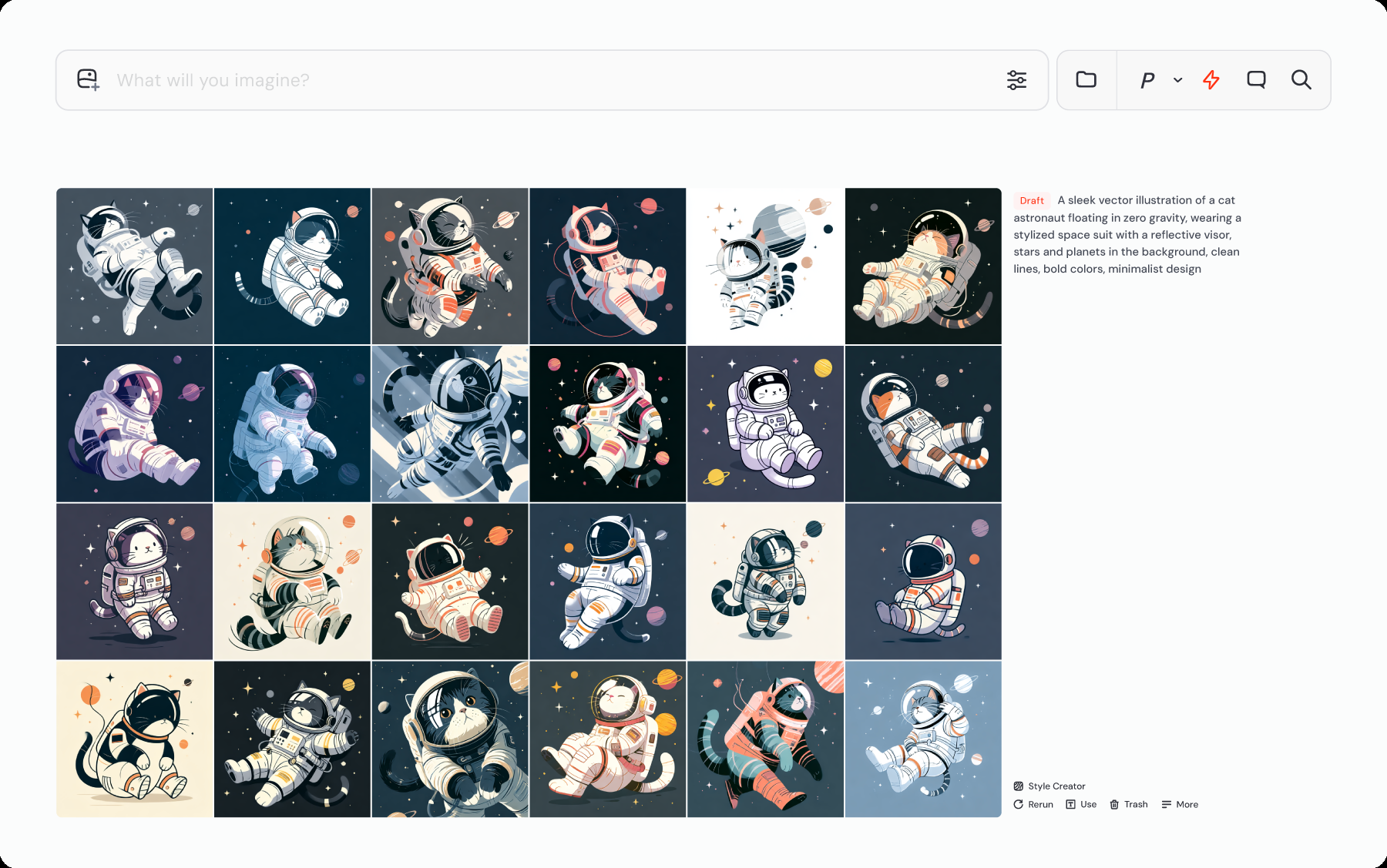
Add --sref random to your prompt and switch on Draft Mode (the toggle or the --draft flag). In one pass you get 24 images, each in a different, randomly generated style - and 24 fresh sref codes, one per image[1]. No extra parameters controlling the range - the system samples styles on its own. The same rule applies with permutations and repeats: every generated image still gets its own separate style code[2].

Example - instead of writing a separate prompt for every style, one is enough:
portrait of a fox in a forest --sref random --draftThat single query produces 24 completely different treatments of the same fox - and 24 codes you can save for later.
What it costs and what the quality looks like
Draft Mode generates images at 512×512 px, for 0.4 GPU-minutes of Fast credit for the whole batch of 24[3]. The lower resolution is a deliberate trade-off: Draft Mode is built for a quick survey of directions, not for final files.
Once you find a style you like, the standard path is Draft → pick a favourite → Vary, to regenerate it at full resolution[3]. The 24-image survey itself stays a sketch - only what you actually decide to develop further goes to full quality.
From "ooh, that one" to a finished set
When one of the 24 results catches your eye, click it and generate more images in that same style using its sref code. That's the bridge from a lucky hit to a consistent series - exactly what used to require manually saving and testing codes one at a time.
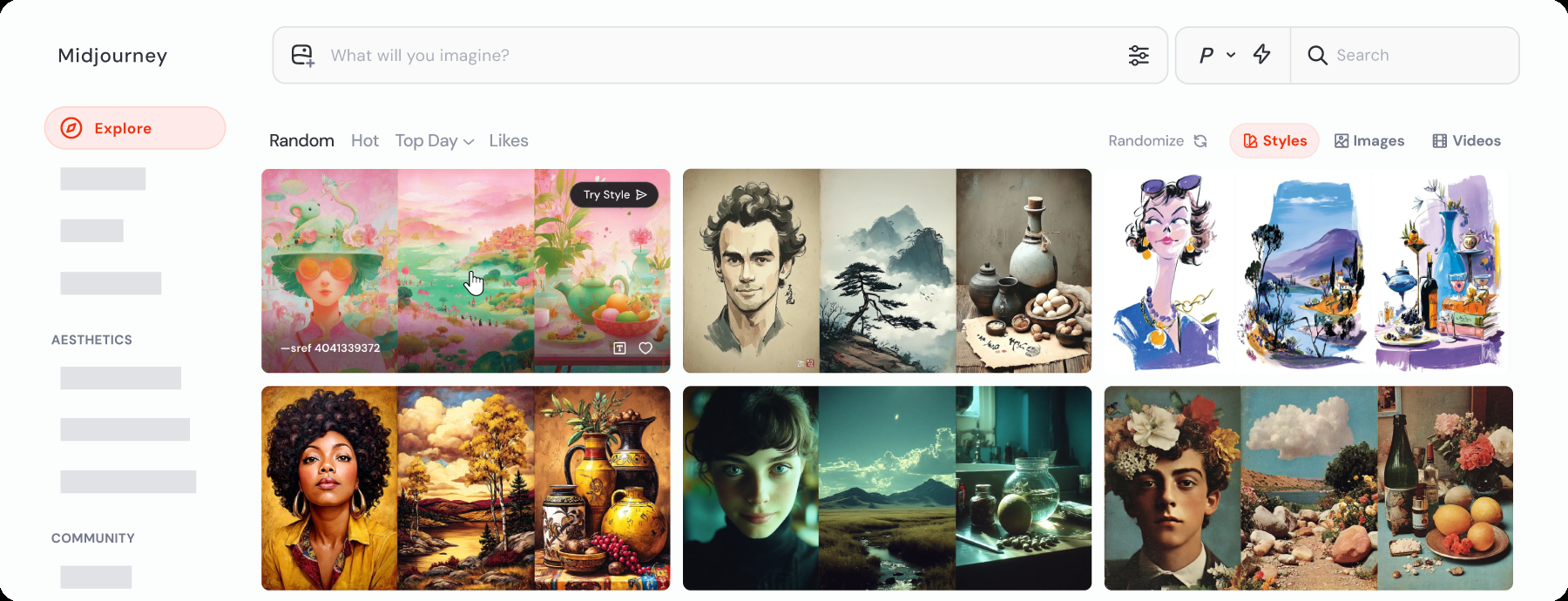
You can also browse existing styles in Explore → Styles. This is a separate route: choose an existing style instead of sampling one with --sref random.
And here's what it can look like once you take a chosen direction all the way:
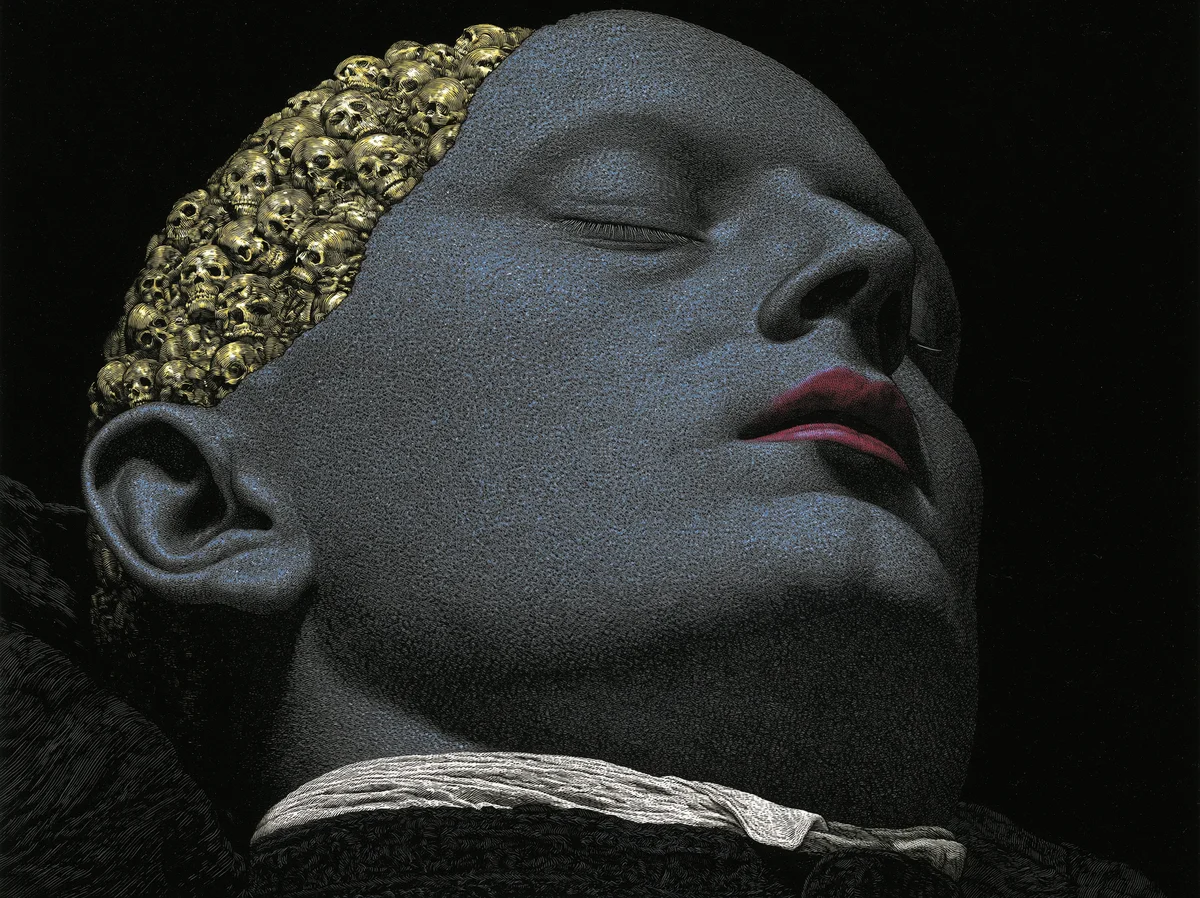
Image generated by AI (Midjourney)
Why this matters
This is exactly the philosophy I've written about here from the start: minimum words, maximum effect. You no longer need to be able to describe the style you're still looking for - you just need to recognise it when you see it.
I've kept one rule for years myself, regardless of the tool: I don't wait for inspiration, I treat discovering new directions as a daily practice, not a one-off burst. Draft Mode and --sref random don't replace that discipline - they speed up its most tedious part, the searching itself. It's a tool for doing something new every day more cheaply and faster, not a substitute for the regularity itself. If you want a refresher on what --sref and Draft Mode actually are, both terms are in the glossary.
Want to try this live, on your own project? Book a consultation.
Sources
- Geeky Curiosity, "24 style directions from one prompt with Midjourney Sref random and Draft mode"
- Midjourney, official Style Reference documentation
- Midjourney, Draft & Conversational Modes