When people start exploring AI image tools, they often hit the same wall: they test a few options, get "some images", and assume they all work the same way. That Midjourney is just "another DALL-E" or "the same as Stable Diffusion, just pricier".
That's one of the biggest mistakes you can make when starting with AI.
Midjourney is not an image generator. Midjourney is an artistic engine. And the difference between those two things determines whether you use this tool for a week — or for years.
How does Midjourney differ from other AI image tools?
Most AI image generators operate on literalism: you type a description, you get a representation of that description. A tree is a tree. A woman in a red dress is a woman in a red dress. The result is predictable, technically correct, and… often flat.
Midjourney works differently. Its model was trained with a strong emphasis on aesthetics, composition, and stylistic coherence. This means even a simple Midjourney prompt produces an image that looks like a deliberate artistic decision — not a query to a database.
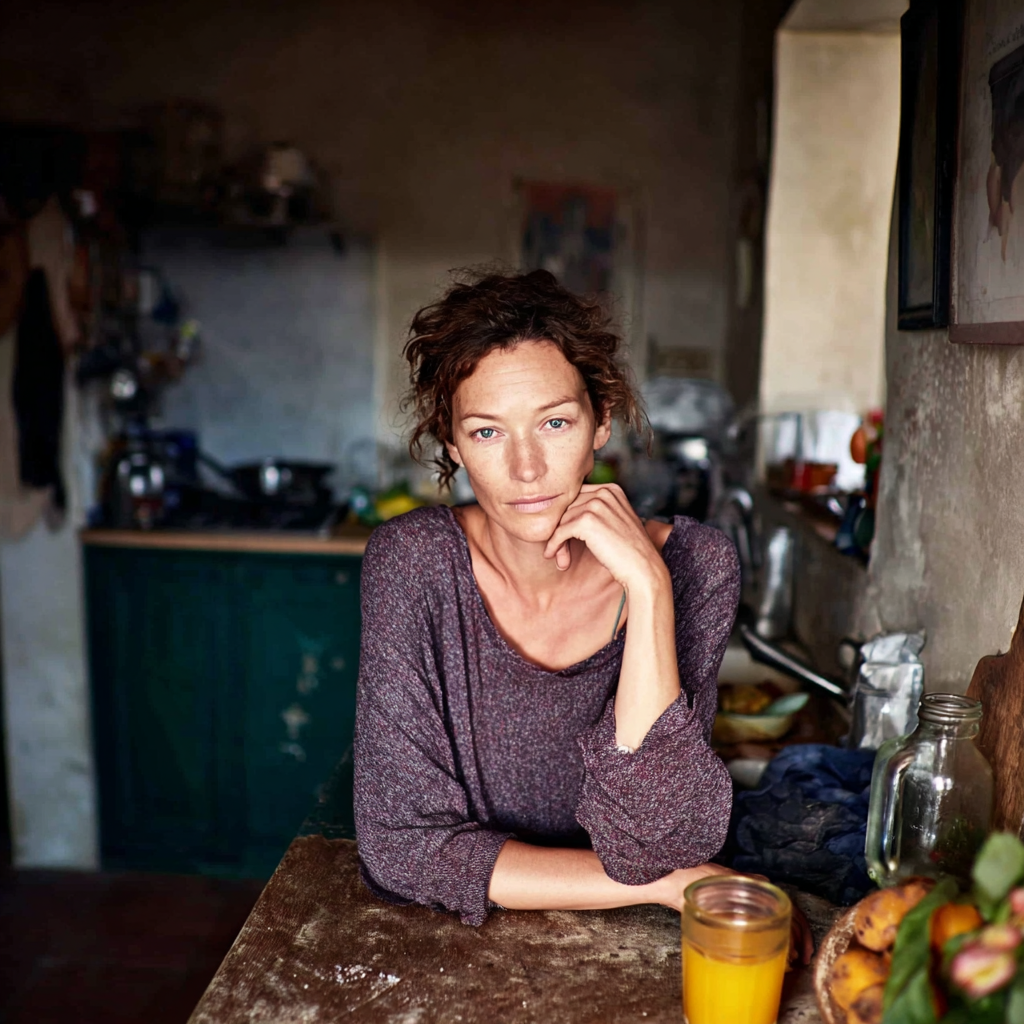
When you ask another tool for "portrait of a woman by a window", you get a portrait of a woman by a window.
When you ask Midjourney the same thing — you get a frame.
Where Midjourney truly shines as an illustration tool
Midjourney dominates in several areas where other tools are weaker or simply absent.
Illustrations for publications and content
Content creators, bloggers, newsletter publishers, and business owners increasingly need unique graphics that don't look like Shutterstock stock. Midjourney produces illustrations with consistent style — you can build an entire series that looks like it came from a single illustrator, maintaining colour palette, atmosphere, and character.
Concept art and design
Architects, interior designers, fashion designers, game creators — these are the groups that have started using Midjourney intensively for rapid visual prototyping. Before a single technical sketch exists, you can generate 50 concept variants in an hour and pick a direction. It changes how you work with clients.
Branding and marketing materials
Agencies and freelancers use Midjourney to generate moodboards, campaign visualisations, and graphic proposals for clients. The tool lets you work with stylistic references in a way other AI generators simply don't match at this quality level.
Covers, posters, narrative illustrations
If you need something that tells a story — Midjourney is unrivalled among AI tools. Composition, mood, visual tension — these are things you can't describe directly in a prompt, and Midjourney "understands" them at a level you simply have to see.
Why real Midjourney mastery is about parameters, not prompts
Here's what's talked about least in Midjourney content — and what most separates someone who's truly mastered the tool from someone just experimenting with it.
The internet is full of "AI prompt specialists" who craft elaborate, multi-sentence instructions — sometimes in JSON format, with nested parameters and precise descriptions of every detail. That approach makes sense for text tools. In Midjourney, it's evidence that someone hasn't yet understood what they're dealing with.
A Midjourney master types one word. Maybe two. And gets an image that the "specialist" will never produce — because all the real work was done earlier, at the level of parameters, style, and personalisation.
That's the key mindset shift: the prompt is the tip of the iceberg. The foundation is everything that happens before it.
Style Creator — sculpting your own visual language
Style Creator (formerly Style Tuner) is one of the most important tools in Midjourney that most users ignore or discover too late. It lets you literally design your own visual style — one that has never existed before.
Midjourney generates a series of aesthetic variants, you choose the ones that resonate with your vision, and the system builds a unique style code from that. From then on, that style is yours — apply it to any prompt, build consistent series, develop and modify it.
This isn't a filter. It isn't a preset. It's your own aesthetic landscape that previously had no name or form.
Moodboards — building context before generating
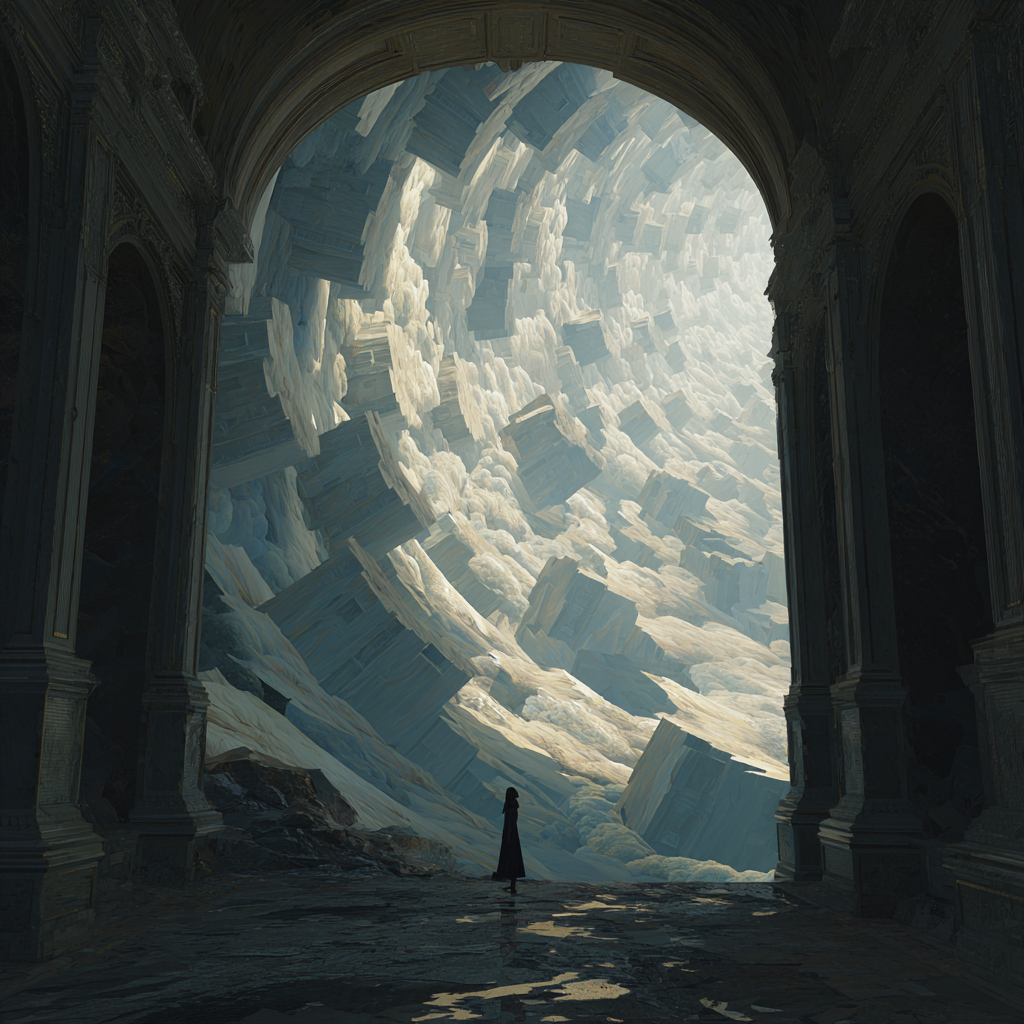
Another workflow-changing feature: moodboards directly in Midjourney. Instead of describing in words "I want something in the mood of melancholic Japanese minimalism with a hint of industrial" — you show it. You collect visual references, build aesthetic context, and Midjourney understands it at a level no text prompt can reach.
Personalisation — Midjourney that knows you
The personalisation feature lets Midjourney learn your aesthetic preferences based on how you rate generated images. Over time the model begins to "know" what you like — what compositions, what density of detail, what relationship to colour and light.
The effect: your prompts get shorter and shorter, and the results get closer and closer to what you're looking for. The system adapts to you — not you to the system.
The prompt as a finish line, not a starting line
When you have a configured style, a moodboard as context, and personalisation that knows your preferences — the prompt becomes a formality. One word describing the subject or mood, and Midjourney knows what to do with it.
That's why learning Midjourney is learning visual thinking, not learning to write prompts.
The language barrier — and how to get past it
A frequently asked question: do prompts need to be in English? Do non-English prompts work?
Short answer: technically yes, but effectively — English works better.
Midjourney was trained primarily on English-language visual and descriptive material. Non-English prompts are processed, but with some loss of semantic precision — particularly with subtle descriptions of mood, style, or composition.
Good news: you don't need advanced English. Midjourney prompts are a specific, shorthand language — more a list of keywords than sentences. You can learn it quickly even with basic English.
Who gets the most out of Midjourney?
- Creative freelancers — graphic designers, illustrators, photographers, using MJ to speed up conceptual work or expand their services without proportional time increases.
- Small and medium business owners — who need visual materials for marketing but don't have a budget for regular agency work.
- Content creators and course builders — for whom unique, consistent graphics are part of building a recognisable brand.
- Designers and architects — using MJ for rapid concept visualisation in early design phases.
- Marketing agencies — integrating Midjourney into their visual content production workflow.
What sets Midjourney apart in the 2025 AI market?
The AI image tool market moves fast. Adobe Firefly, DALL-E 3, Stable Diffusion, Ideogram, Flux — each has its strengths.
Yet Midjourney maintains its lead in one specific category: artistic quality on demand.
When you need an image that looks like an artist's work — not a database render — Midjourney remains the first choice for most professionals. Its model has a built-in "aesthetic sensibility" that other tools are only beginning to learn.
Getting started with Midjourney — first steps
Midjourney works through its own website at midjourney.com — just an account and a subscription, and you can start generating images directly in your browser.
- Go to midjourney.com and sign in with your Google or Discord account
- Choose a subscription plan (plans start from around $10/month)
- Write your first prompt directly in the web interface
- Experiment with parameters and Style Creator once you feel comfortable
Summary
Midjourney is a tool that's still underused and underunderstood. Most people treat it as a "quick image generator for an Instagram post". In reality, it's a fully-featured artistic engine changing the way entire industries work.
If you want to learn this approach — built on visual thinking, not copying prompts — come find the materials at szkoleniemidjourney.pl.